
This page will provide links to various configuration and firmware updater apps for Kenton products. Currently, only the D-Sync and USB Solo Configuration Managers, and the Pro Solo mk3 Firmware Manager have been released, however we shall be adding products – please check back later to check for your device.
Running our apps for the first time
Our apps rely on the WebMIDI API in your browser. The first time you use one of our apps, the browser will request permission to access your MIDI devices:
Chrome and Edge Users: When you first run one of our apps, you may get a message asking it its OK to use your MIDI devices – select Allow.
Firefox Users: When you first run one of our apps, you may get a message “This site is requesting access to your MIDI devices. Device access can be enabled by installing an add-on.” – select Continue to Installation. You will then see a message “This add-on gives kentonuk.com access to your MIDI devices” – select Add. If you see the message “SecurityError: WebMIDI requires a site permission add-on to activate”, check that you have a MIDI interface or USB MIDI device connected, then close Firefox and try again.
Safari Users: Unfortunately our apps do not currently run under Safari, though they do work using Chrome, Edge and Firefox on macOS – keep checking back for updates.
Configuration Managers
D-Sync Configuration Manager
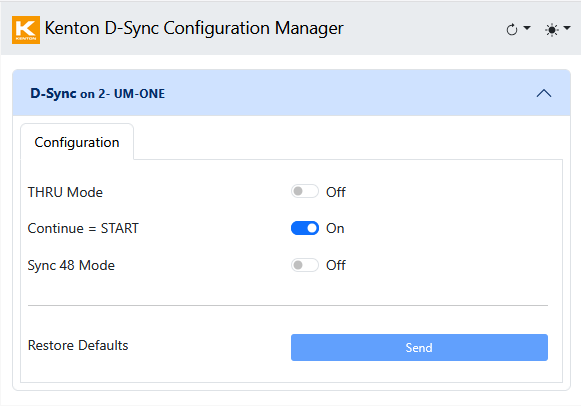
Displays and edits all parameters on your D-Sync.
Connects over DIN provided that the D-Sync’s MIDI IN is connected to your computer’s MIDI OUT, and its MIDI OUT is connected to your computer’s MIDI IN (including connecting via other MIDI boxes).
USB Solo mk2 Configuration Manager
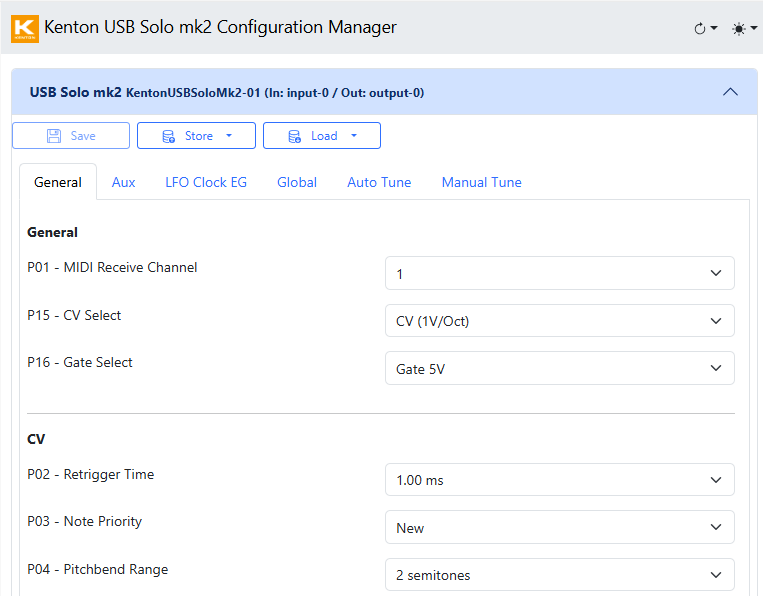
Displays and edits all parameters on your USB Solo.
Load and Store presets.
Manual and Auto Tune your USB Solo to your synth.
Connects over USB.
Connects over DIN provided that the USB Solo’s MIDI IN is connected to your computer’s MIDI OUT, and its MIDI THRU is connected to your computer’s MIDI IN (including connecting via other MIDI boxes).
USB Solo mk2 Configuration Manager
Firmware Managers
Pro Solo mk3 Firmware Manager
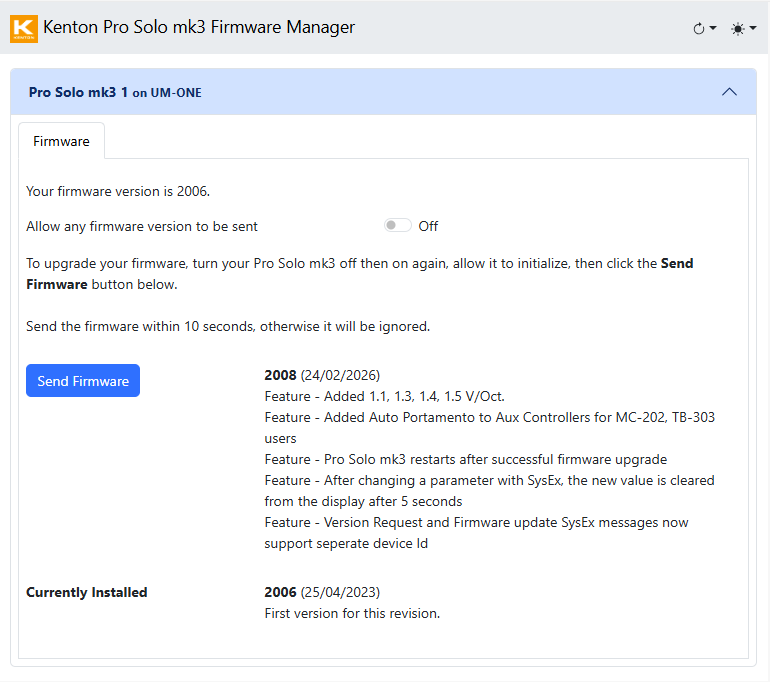
Check your Pro Solo mk3’s firmware version and upgrade its firmware.
Connects over DIN provided that the D-Sync’s MIDI IN is connected to your computer’s MIDI OUT, and its MIDI OUT is connected to your computer’s MIDI IN (including connecting via other MIDI boxes)
